





File (Document) Attachment Module
Code: 001
Attach and access important documents directly in TallyPrime with just a few clicks. No need to search for physical files anymore—make your business faster, smarter, and paper-free.

Demo
Need to Buy or Customize More
Description
- Important papers often get misplaced, files pile up, and searching for a single document can waste valuable time.
- It helps you move towards a more organized, digital document management system directly within TallyPrime.
- Whether it's a PDF, image, Excel sheet, or Word document—you can link it directly to vouchers, ledgers, or masters in Tally.
- From purchase orders and invoices to agreements and delivery challans, everything is stored where it belongs.
- Open documents instantly in just a few clicks—no more hunting through physical files.
- Need to send a document to a client or auditor? Do it directly via email without leaving Tally.
- Have all your documents ready and accessible during audits or financial reviews.
- Reduce physical storage needs, save time, and work more efficiently with digital records.
- Especially useful for companies aiming to streamline operations and reduce manual document handling.
Problems We Solve
| Sr | Problem | Solution |
|---|---|---|
| 1 | Searching for paper documents takes time. | Attach invoices, purchase orders, agreements, or any document directly to Tally vouchers. |
| 2 | Physical files can get lost or damaged. | Open documents instantly from Tally with just a click. |
| 3 | Sharing documents with clients or auditors becomes a hassle. | Send documents to customers or auditors via email directly from Tally. |
| 4 | Manual document handling increases errors and delays. | Keep all documents safe and organized inside your system. |
| 5 | Difficult to keep all related documents with the correct vouchers or parties. | Easy access during audits or reviews—no need to open physical files. |
Risks

You will spend more time searching for documents manually.

Risk of losing or misplacing important business papers.

Difficulty during audits or client document requests.

Higher chances of document mismatch or confusion.

Delays in work due to missing information.
You will spend more time searching for documents manually.
Setup Guide
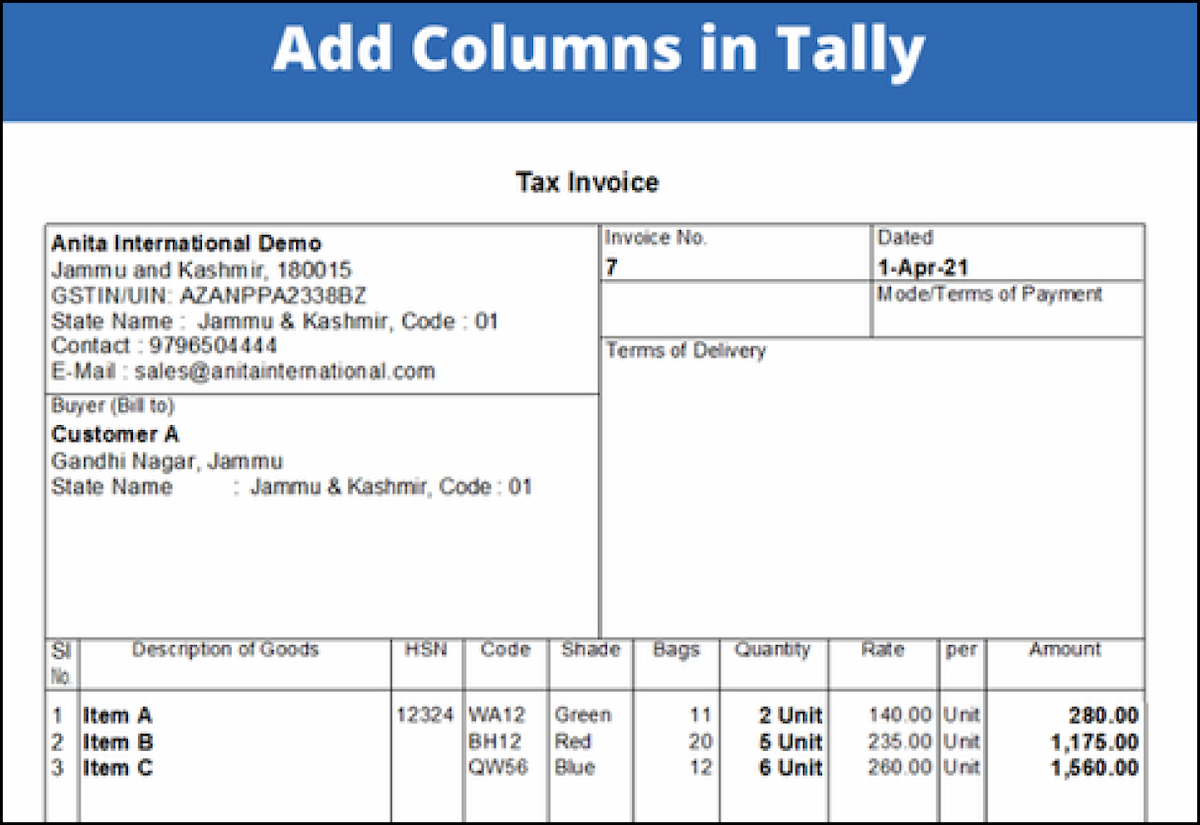
1. Gateway of Tally
F1: Help ⇢Settings ⇢License ⇢ Manage License ⇢ F5: Update (In case you are using a multi-site account, you will need to configure TallyPrime to activate the Add-on for a particular site. Click here for the steps.)
Shut down and Restart TallyPrime and open your company.
Press Ctrl + Alt + H at any menu screen to open the user manual. In case of multiple Add-on, Add-On Help screen will pop-up to select Add-on Manual.
2. Activate the Add-on.
For TallyPrime Release 1.0
Go toGateway of Tally ⇢F1: Help ⇢TDL & Add-On ⇢ F6: Add-On Features. Alternatively, you may press CTRL + ALT + T from any menu to open TDL
Management report and then press
F6: Add-On Features
Set “Yes” to the option“Enable fixed asset Management”
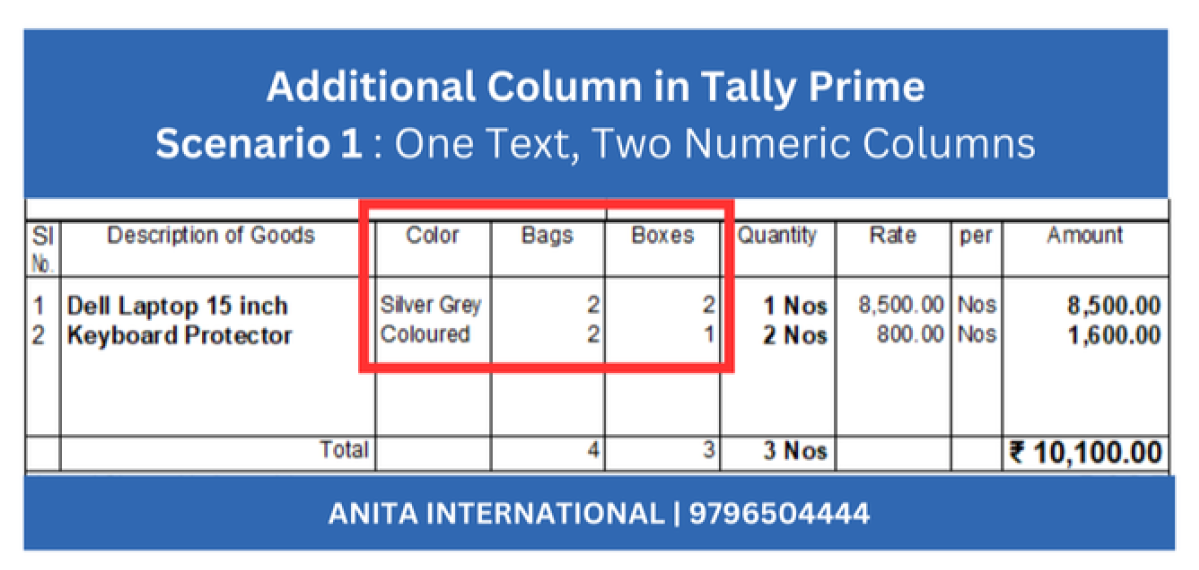
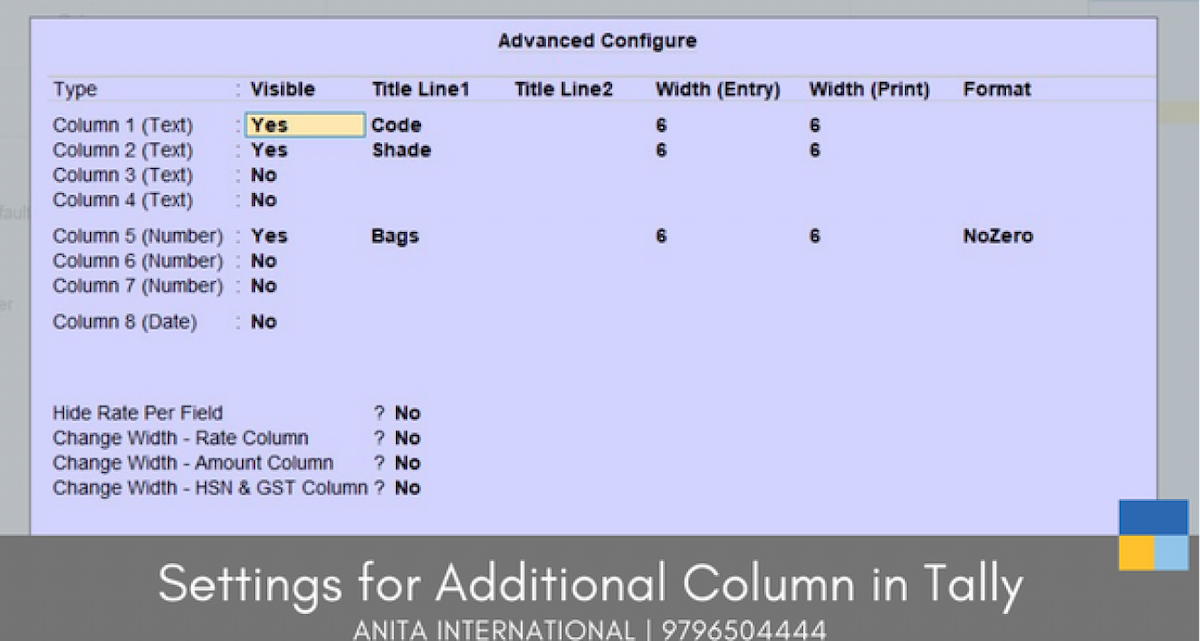
3. Activate the Add-on.
Create or Alter a Fixed Asset Ledger by going to Gateway of Tally ⇢ Alter ⇢ Ledgers and select the fixed assets ledger.
Press F12 and Set‘Yes’ to the option‘Maintain Balances Bill by Bill’
4. Gateway of Tally
F1: Help ⇢Settings ⇢License ⇢ Manage License ⇢ F5: Update (In case you are using a multi-site account, you will need to configure TallyPrime to activate the Add-on for a particular site. Click here for the steps.)
Shut down and Restart TallyPrime and open your company.
Press Ctrl + Alt + H at any menu screen to open the user manual. In case of multiple Add-on, Add-On Help screen will pop-up to select Add-on Manual.
Requirements
- Countries: All Countries
- Edition: Silver, Gold
- Version: Tally.ERP 9 Series A Release 5.0 to Tally.ERP 9 Series A Release 6.6
- Prime Version: TallyPrime Series A Release 1.0 to TallyPrime Series A Release 2.1