

Tally Customization - Just the Way You Need
Tally customization designed to fit your business needs, making your operations smoother and more efficient.
- Time Saving
- Accurate Report
- User Friendly
- Cost - Effective
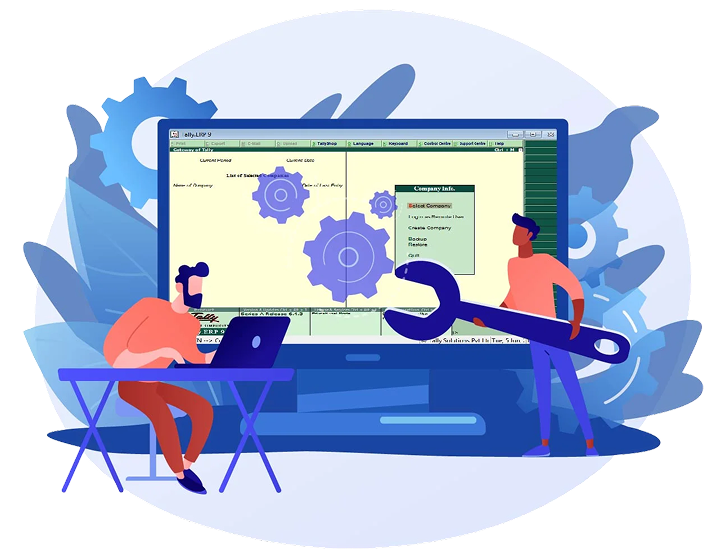



Why Tally Customization?
Tally customization designed to fit your business needs, making your operations smoother and more efficient.


Unlock the Full Power of Tally

Advanced Security and User Control

Smart Inventory Management

Enhanced Voucher and Invoice Management
In-Depth Reports And Analysis
Efficient Job Work and Godown Management
Powerful Utilities and Tools
Instant Add-Ons: Plug & Play
Get instant, ready-to-use add-ons for seamless integration. Just plug in and play!
VIEW ALL ADD-ONS
User wise Security Control

File Attachment Module

Barcode/ QR Code Module

Invoice Customization

Auto Email Module

Google Authentication with Tally

Voucher approval Module

Salesman/ Agent/ Broker Module

Bom Management Module
Get Industry-Specific Solution with TallyPrime
Get customized TallyPrime solutions designed specifically for your industry.










Streamlined ERP Implementation & Optimization
 Consulting and Analysis
Engage with stakeholders to understand their needs, gather process details and define ERP goals.
 Strategic Alignment and Scoping
Plan the project scope, objectives and strategy aligning the ERP solution with organizational goals.
 Customization
Customize the ERP system to fit specific needs, workflows and reports.
 Deployment and Skill Evaluation
Implement the ERP system, migrate data, configure workflows and train users for effective use.
 Optimization and Improvement
Continuously refine ERP functionality based on user feedback, process improvements and ongoing monitoring.

Book a Free Consultation
Schedule your free session to explore how our Tally mobile app fits your business.